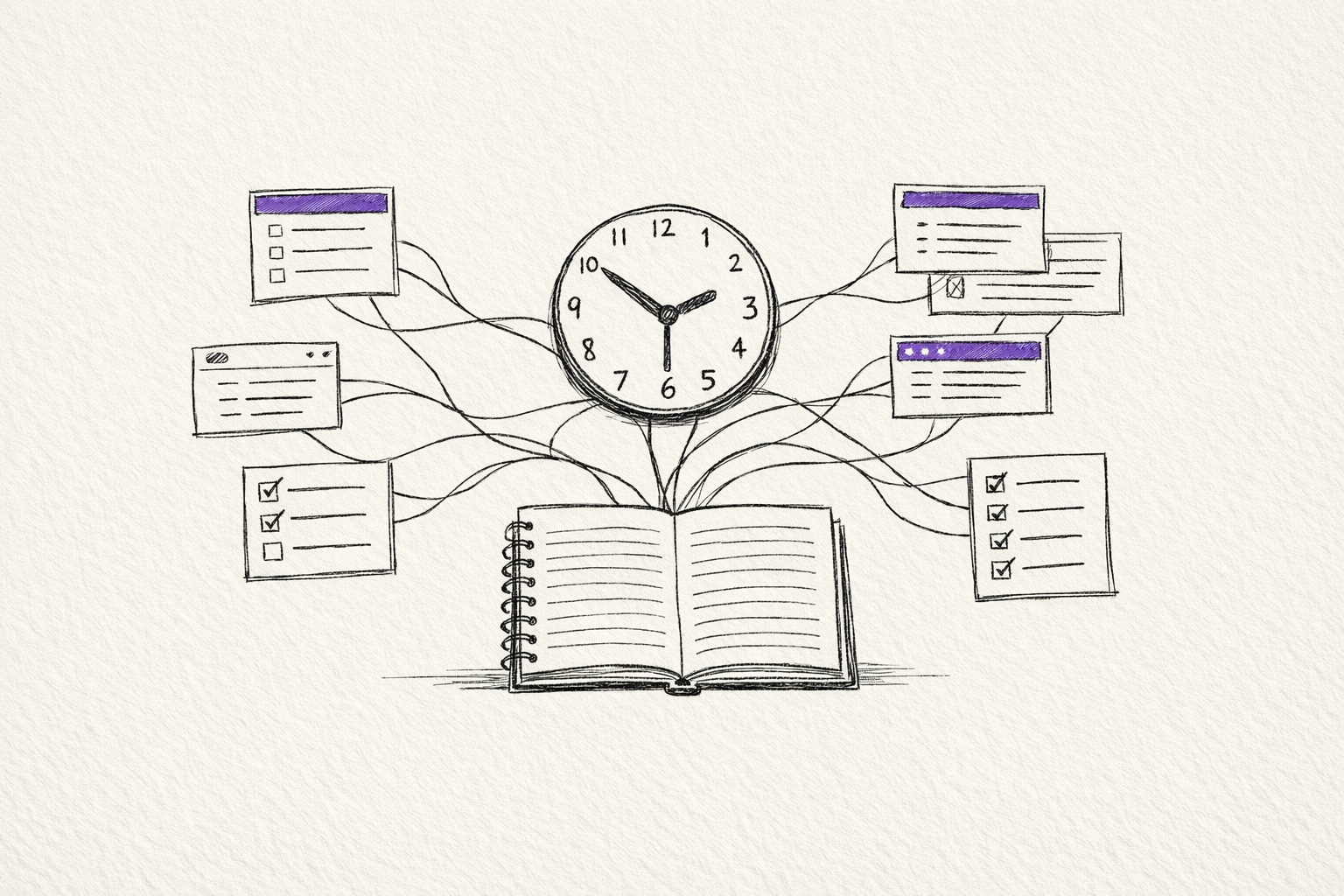
AI intuitively sounds like it should do the following:
- Automate repetitive tasks.
- Get time back and reduce stress.
- Use the saved hours for better work.
At the level of a single task, that claim often holds up. Drafting is more efficient. Summaries are faster. Research prep feels natural. Even prototyping becomes an engaging activity.
But it does not automatically follow that one's workload is reduced.
What seems to be happening instead is this: AI removes friction locally, while increasing intensity across the wider organisation.
Katie Parrott's essay in Every gives the personal version of this. What begins as a quick experiment turns into an extended session of prompting, refining, building, and chasing one more iteration. The tool is useful, but the usefulness itself becomes absorbing (and in a way, addictive).
A Wall Street Journal report points to the same pattern at a larger scale. Citing ActivTrak analysis of 164,000 workers across 443 million hours of activity, the report suggests AI adoption corresponded with more time in email and messaging, and 9% less time spent on focused work. It's not the usual "AI gives everyone breathing room" story. Instead, it sounds like workloads become more 'dense' and complex, and multi-focal.
The most useful explanation I have seen comes from UC Berkeley research on AI and work intensification. The researchers describe three patterns that feel immediately recognisable.
- Task expansion. People start doing work that previously sat outside their role because AI makes that work feel accessible enough to attempt.
- Boundary erosion. Work spreads into moments that used to act as stopping points: lunch, the gap before a meeting, late evening, the spare ten minutes that used to remain spare.
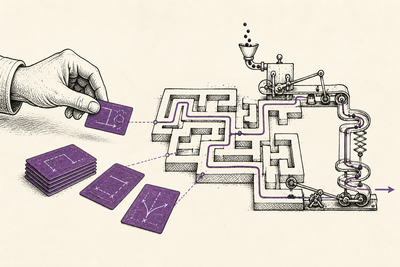
- Parallelisation. Instead of doing one thing at a time, people keep multiple AI-assisted threads running at once, which increases cognitive load even while some tasks move faster.
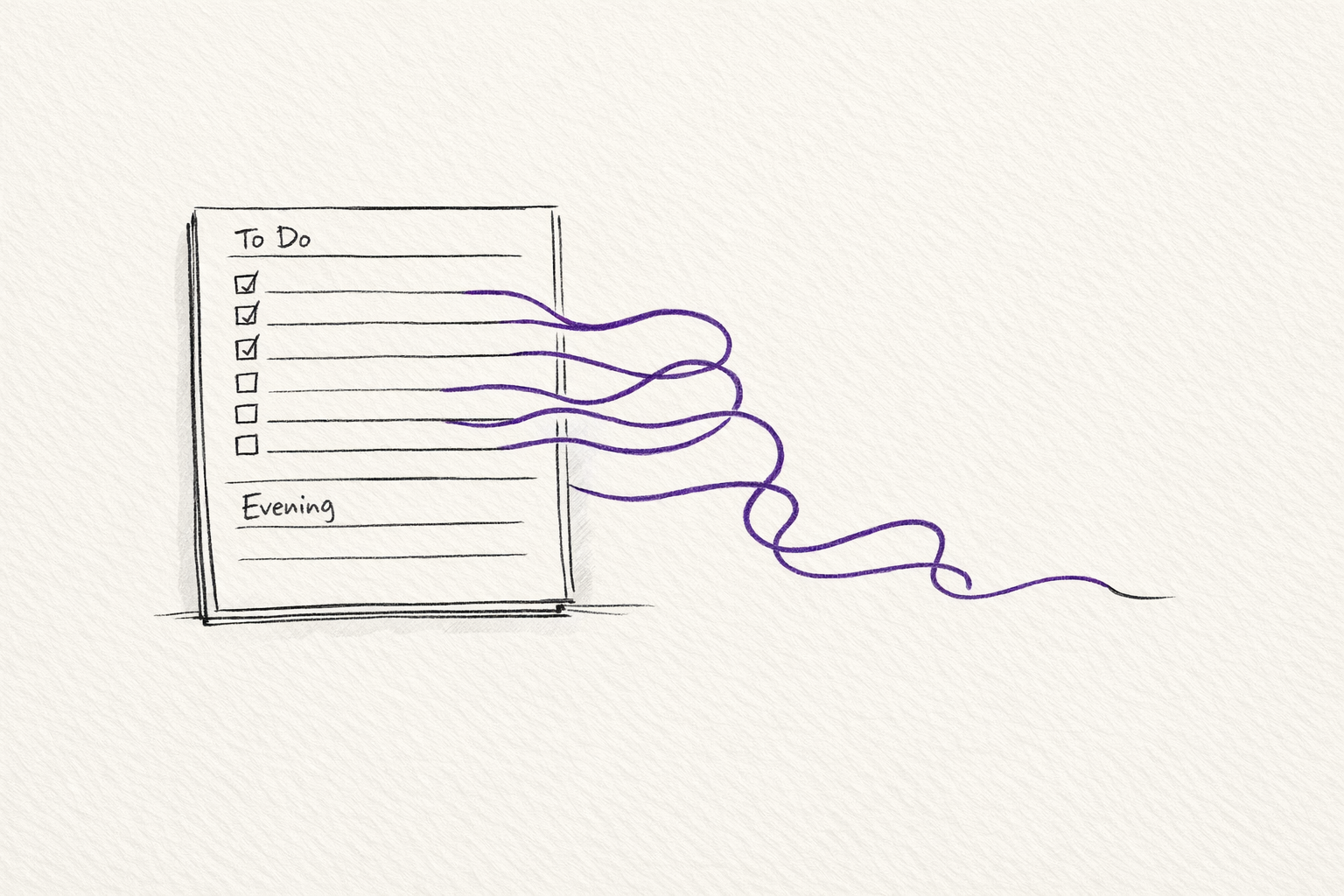
That feels much closer to what many people are actually experiencing.
The mistake in a lot of AI optimism is assuming that faster task completion automatically turns into reclaimed time. Usually it does not. Usually it turns into additional expectations.
If writing gets faster, the number of drafts expands.
If coding gets faster, the scope of what one person is expected to ship expands.
If research gets faster, the amount of material that can be reviewed, compared, and circulated expands.
If communication gets easier, the volume of communication expands.
The capacity increase is real. The problem is that the capacity rarely stays empty for long.
That is why "AI saved me 20 minutes" is often the wrong metric. The better question is what happens to those 20 minutes.
In a healthy workflow, they might turn into rest, deeper thinking, better review, or simply less pressure.
In an unhealthy workflow, they get reabsorbed immediately by more messages, more checking, more iterations, more requests, and more vaguely defined responsibility. The day moves faster, but not more cleanly.
That helps explain why AI can feel empowering and exhausting at the same time.
At an individual task level, the interaction often feels energising. You can make progress quickly. You can explore ideas you would not have attempted before. You can close gaps in speed or skill that would previously have slowed you down.
At a more high level, the same acceleration can produce a heavier working life. More tasks remain in-progress. More outputs need judgement. More of the day gets pulled into semi-work. Although the 'friction' required to complete work is reduced, the demand for work remains (and in some cases, seems to increase).
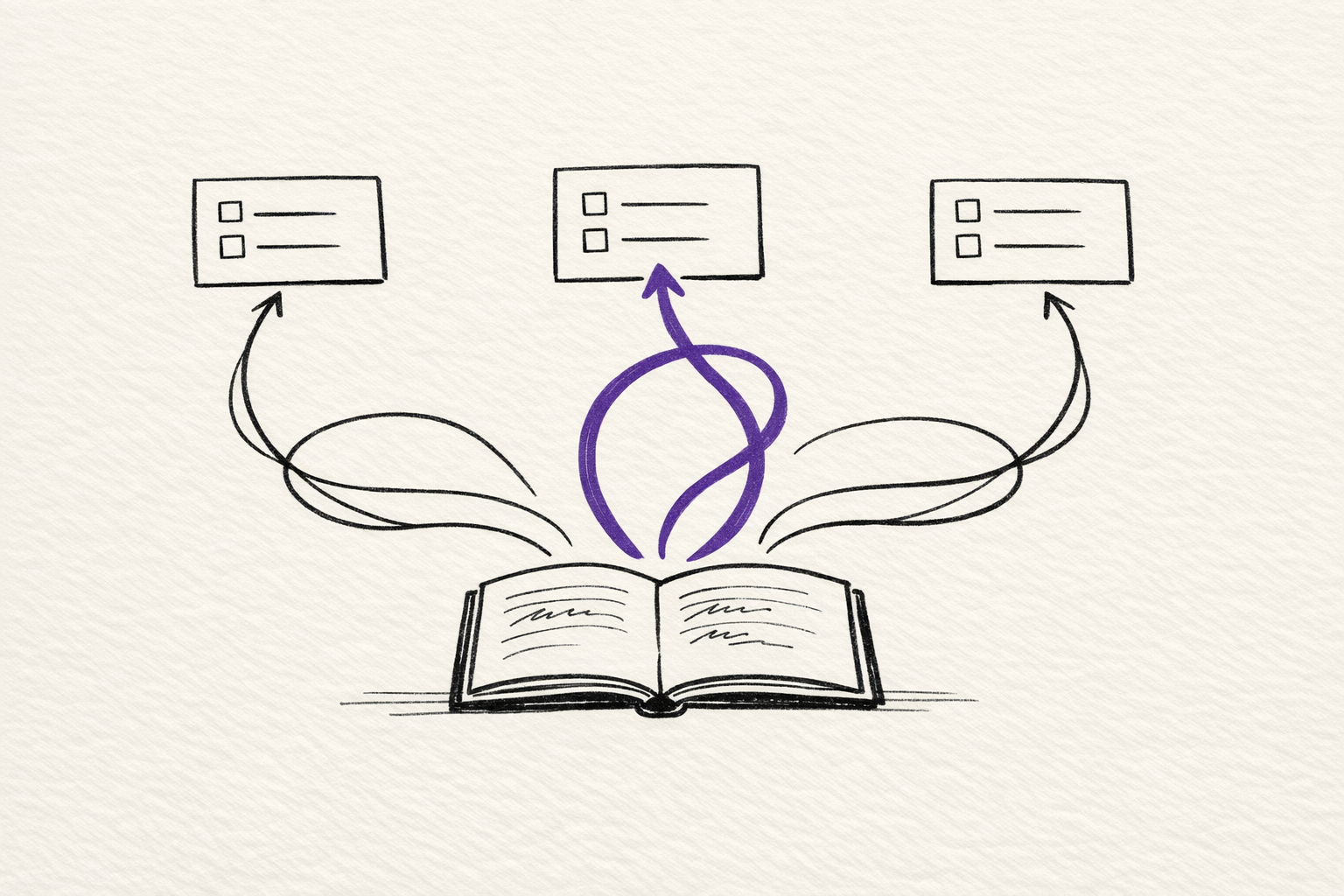
It's probably too crude to say that the lesson is that: AI is actually bad for productivity.
The more useful way to frame it would be that: AI is a capacity multiplier, not a time-liberation device.
If you want it to create actual time back, the surrounding workflow has to change as well.
That means asking stricter questions:
- What work will stop because AI now handles part of it?
- Which messages, meetings, or approvals should disappear rather than speed up?
- Where are the boundaries that protect focused work and actual rest?
Without those decisions, AI does what many productivity tools have always done. It improves efficiency, and then the system uses that improvement to demand even more.
For teams, if a manager sees AI only as a way to increase output, the technology will almost certainly intensify work. The short-term gains may look impressive. Over time, the hidden costs become harder to ignore: context switching, weaker judgement, rising communication overhead, blurred roles, and burnout that arrives disguised as ambition.
The better approach is to treat AI adoption as an organisational design question, rather than just asking how do we get individuals to use AI.
Too much AI work still goes into one-off use cases: a brittle assistant for one narrow task, a prompt wrapper that works once, or a demo that looks impressive but creates more maintenance than value.
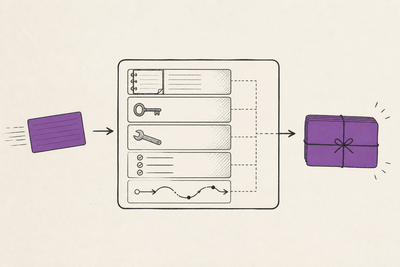
The better move is to build frameworks and agents with feedback loops that can check their own work, correct errors, recover from failure, and help build the next layer of the workflow instead of waiting for manual human intervention.
Building frameworks is generally less impressive or flashy as a demo, but much more valuable in practice, especially when adapting to the rapid improvements to AI models. It creates compounding value because the system becomes more reusable, more reliable, and less dependent on one person remembering how it works.
So, we shouldn't just be doing everything faster and instead asking how to be more selective about what deserves to be done at all.
Most teams and organisations still struggle with this concept. AI makes it easier to start, continue, and expand work. It does not, by itself, teach restraint.
If anything, restraint becomes more important when the cost of generating the next draft, the next prompt, or the next plan drops close to zero.
AI can save time on our tasks. In many cases, it clearly has.
It's really about whether we are prepared to stop that saved time from being consumed immediately by more work.
Until then, the reality is that AI will often feel less like relief and more like acceleration without a brake.
Try this prompt
Audit one area of my work where AI seems to save time. List the tasks that got faster, the new tasks that appeared, the expectations that rose, and the decisions I now spend more attention on. Then tell me whether AI actually gave me free time, increased output, increased quality, or just moved the pressure somewhere else.
Related on this site
- AI Workflow Notes covers the practical workflow choices that stop AI tools from turning into noisier and more intense work days.
- AI Evaluation Checklist is the short review layer for deciding whether an AI output is actually worth keeping, sending, or acting on.
- Resources brings together the essays, guides, and tools on this site that are most useful for building more deliberate AI working habits.